Skip to content
Mobile app · iOS and Android

Dash.fi, wherever spend happens.

Check a limit, freeze a card, snap a receipt, or clear your approvals from your phone. The everyday work, in your pocket.


  • Face ID to reveal Card details only after your phone knows it is you.
  • Freeze in a tap Lock a card the second something looks off.
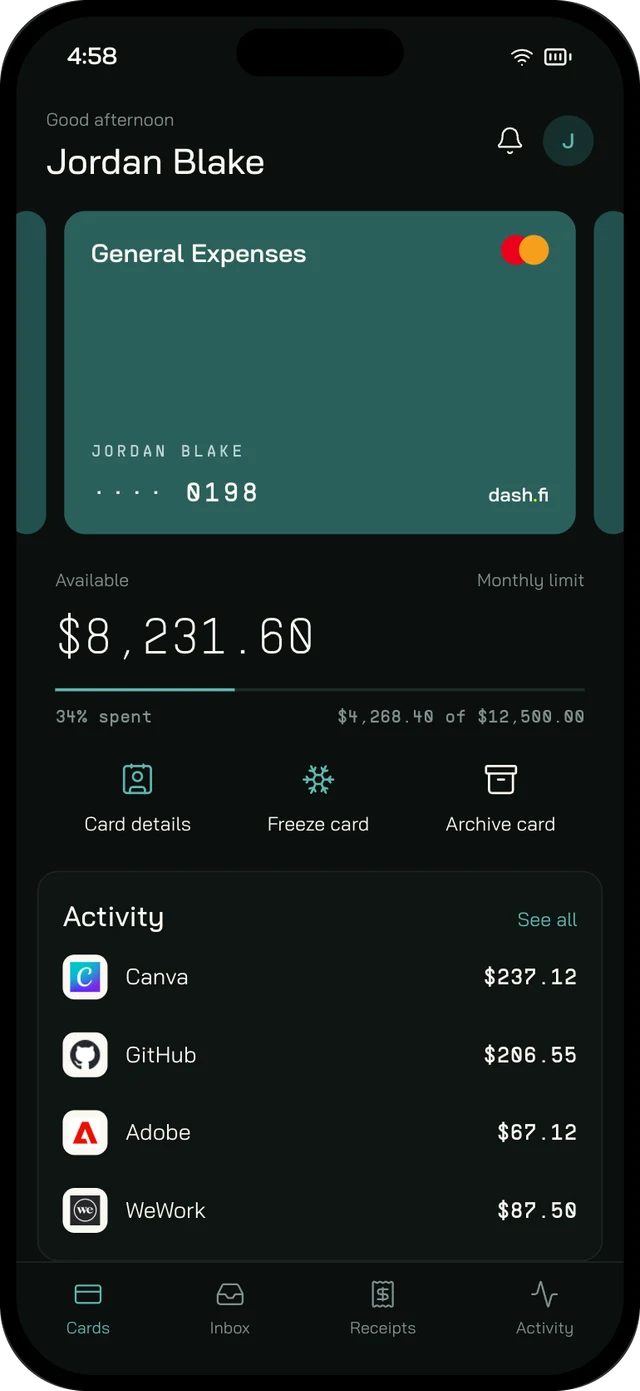
The Dash.fi app on iPhone, showing a card with its available balance, monthly limit, card actions, and recent activity.
  • Snap a receipt Merchant, amount, and date read for you.
  • Approve in bulk Clear a stack of requests at once.
Four tabs

One app. Everything you do between meetings.

Cards

Every card, in your hand.

See where every card stands and act on it without opening a laptop.

  • See what's left against each card's limit
  • Freeze in a tap, unfreeze just as fast
  • Request a card with the right controls filled in
The Cards tab in the Dash.fi app, showing a General Expenses card with $8,231.60 available, card actions, and recent activity.
Inbox

Approvals, cleared anywhere.

Every request waiting on you, in one queue you can clear from the train.
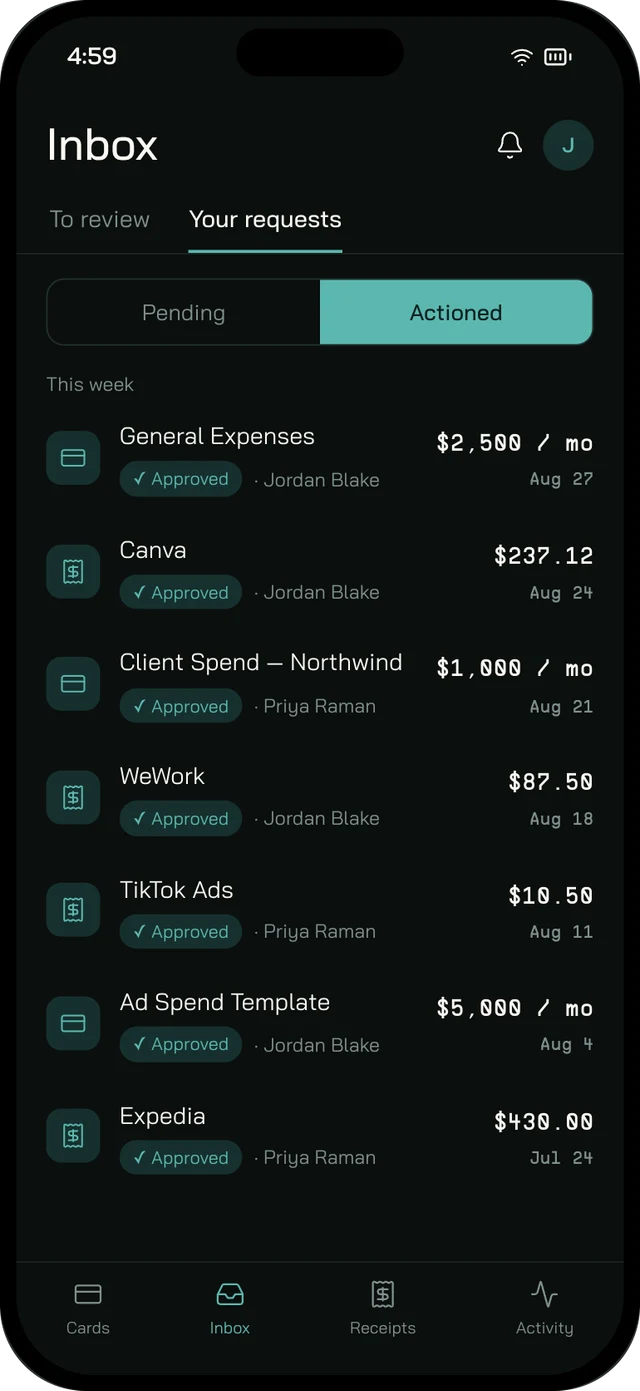
  • Card requests, expenses, bills, and vendor changes together
  • Approve or decline several at once
  • Track the requests you've sent, and where they stand
The Inbox tab in the Dash.fi app, listing approved card and expense requests with amounts and dates.
Receipts

Receipts, sorted on the spot.

Catch the receipt while it is still in your hand, or forward the email later.
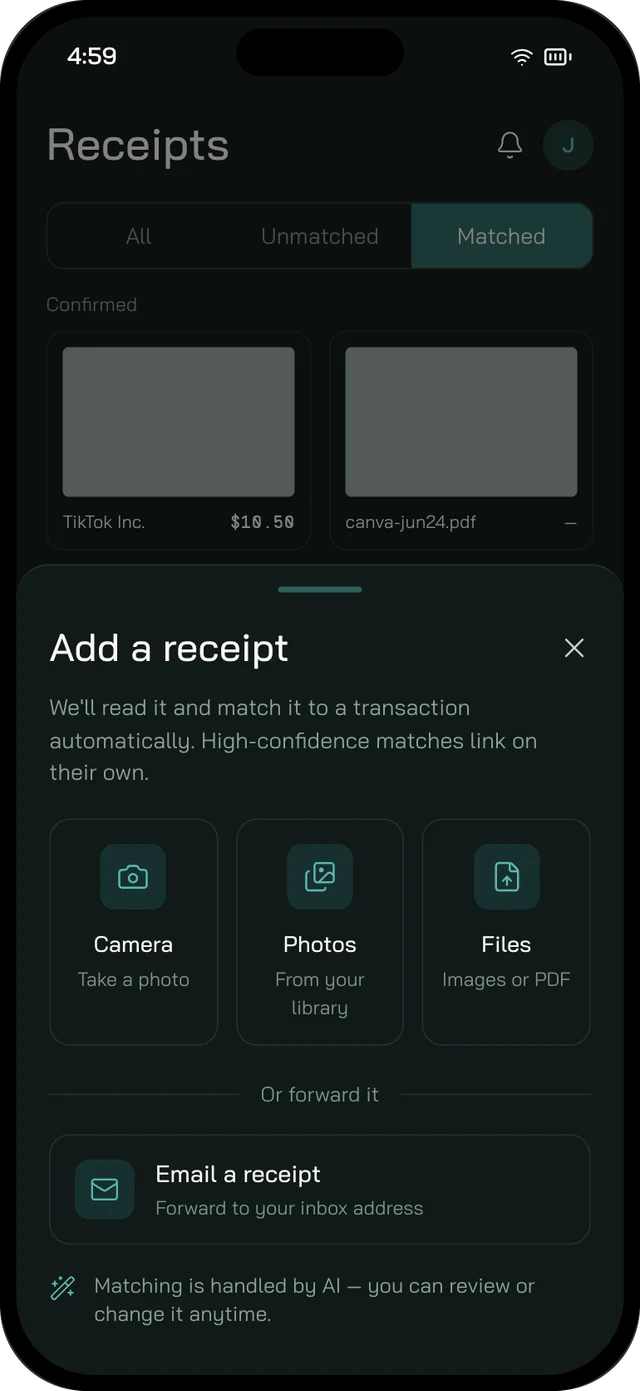
  • Snap a photo or pick files from your phone
  • Forward emailed receipts to your own address
  • Merchant, amount, and date read and matched for you
The Add a receipt sheet in the Dash.fi app, with camera, photo library, file, and email forwarding options.
Activity

Every charge, accounted for.

Every card charge and where its expense stands, in one list.
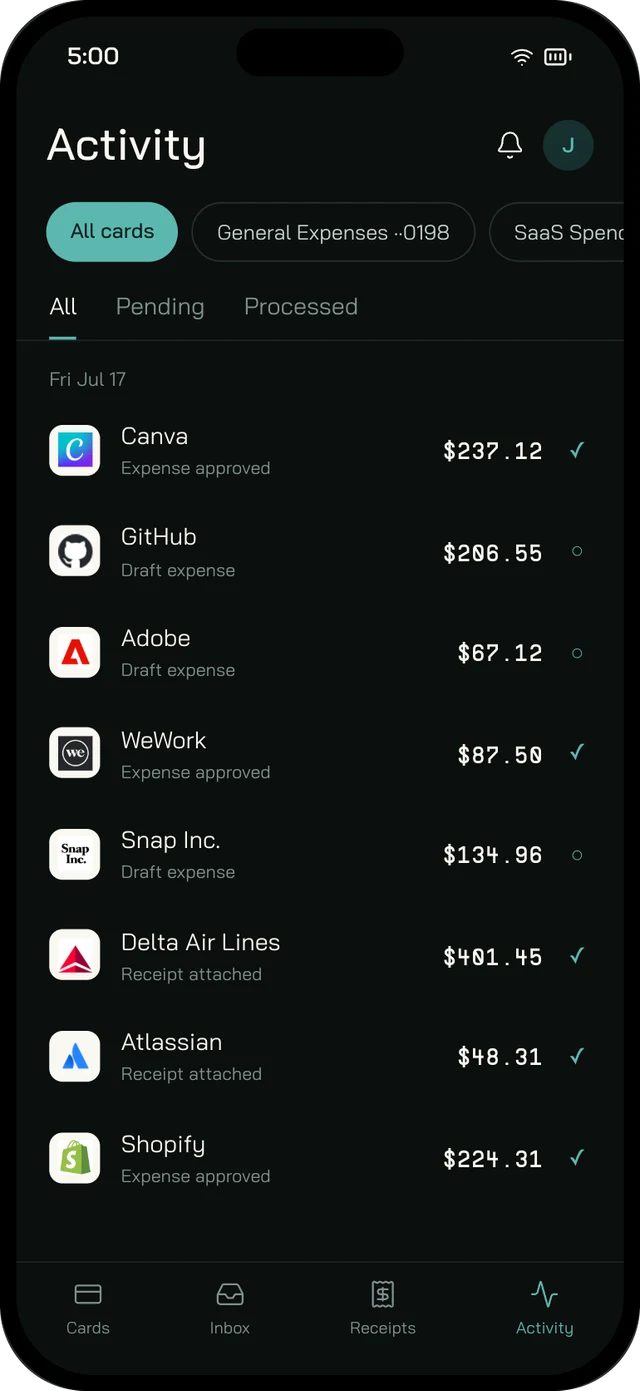
  • Filter by card or status
  • Drafts, approved expenses, and attached receipts at a glance
  • Pending and processed charges, side by side
The Activity tab in the Dash.fi app, listing card charges with their expense status.
Secure on the go

Built for a phone that leaves the office.

Phones get left on tables and handed around. The app is built for it.

01

Face ID or Touch ID

Card details only appear after your phone confirms it is you.

02

Details clear themselves

A revealed card number disappears again after a minute.

03

No screenshots

Card details cannot be screenshotted or screen-recorded, on iPhone or Android.

04

Hidden in the app switcher

On iPhone, the app blurs itself when you switch away.

Phone and web

A companion to the dashboard, not a replacement.

On your phone

  • Check limits and reveal card details
  • Freeze, unfreeze, or request a card
  • Snap and match receipts
  • Approve cards, expenses, bills, and vendor changes

On the web

  • Set up your account and invite your team
  • Write approval policies
  • Connect your accounting software
  • Manage company settings
FAQ

Before you download.

iPhone and Android. Download it from the App Store or Google Play.

Get started

Take Dash.fi with you.

Download the app and handle cards, receipts, and approvals wherever you are.

New to Dash.fi? Apply now →