Receipt capture
Snap a photo, forward the email, or drop in a batch. Dash.fi reads each one and matches it to the right charge.
Dash.fi captures receipts, codes expenses as they happen, routes approvals, and syncs to your accounting software. The month-end scramble goes away.
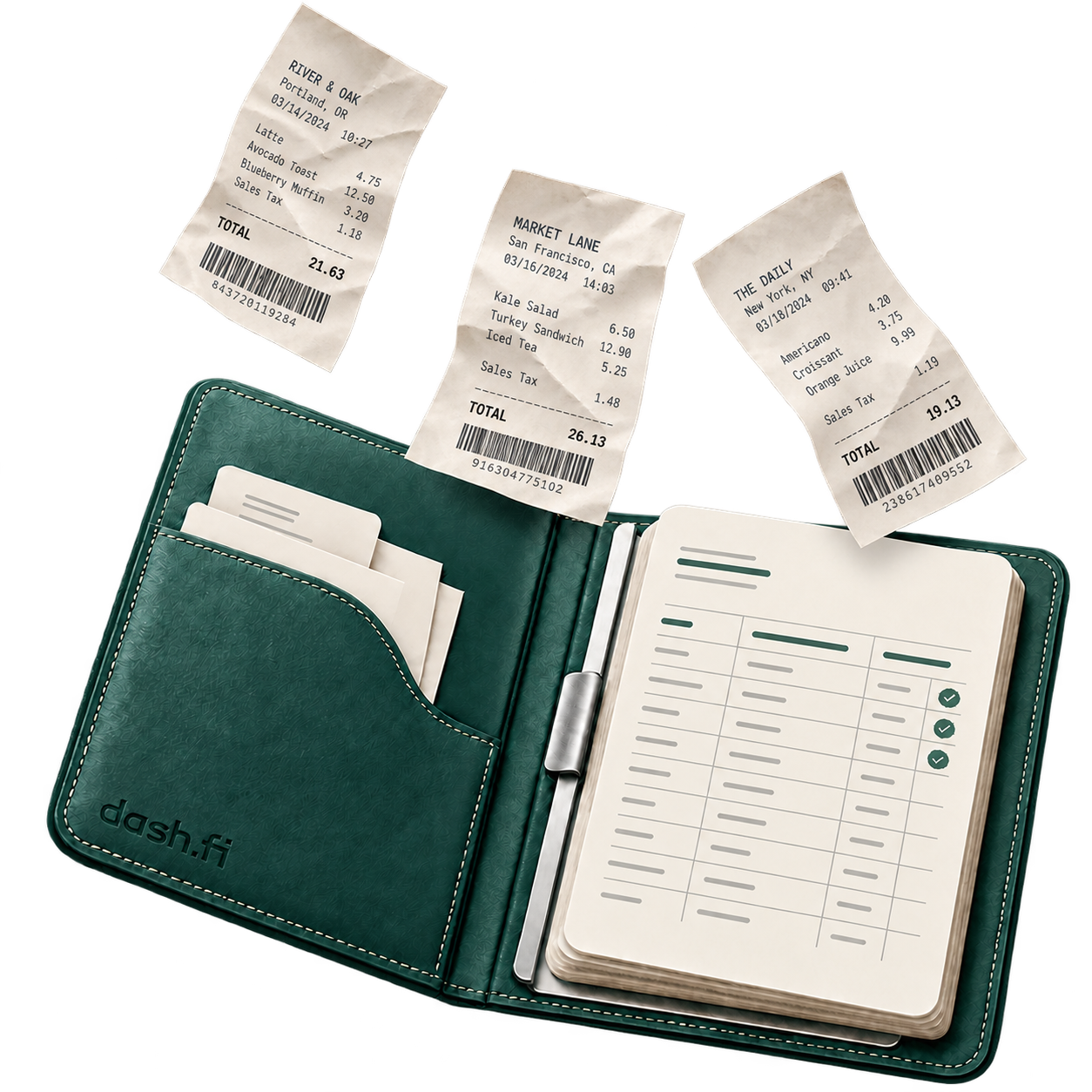
From the moment a receipt is captured to the moment it posts in your ledger, Dash.fi takes care of the work in between.
Snap a photo, forward the email, or drop in a batch. Dash.fi reads each one and matches it to the right charge.
Each transaction is matched to the right category from your own chart of accounts. No manual entry needed.
A finished expense submits itself, then goes to the right approver based on your rules. Approvers sign off in the app with full context.
Approved expenses post straight to QuickBooks, NetSuite, Xero, or Sage Intacct. Everywhere else, Dash.fi shows up as a bank feed.
A dashboard built for your bookkeeper, with filtered data, exports, and reconciliation status. No full access required.
Track every expense from submission to posting, with a record of who touched each item and when.
Finance sees every transaction as it happens, already coded and matched to budget. No surprises at month end.
Out-of-policy spend is flagged at submission, before it reaches an approver. Your team reviews exceptions, not every line.
The transactions view shows each card charge with its coding status, policy check, and charge status. Filter by draft, submitted, needs review, out of policy, or approved.
Expenses
6 of 248| Merchant | Date | Category | User | Expense status | Docs | Amount |
|---|---|---|---|---|---|---|
Amazon Web Services | Jun 2, 2026 | Cloud computing | Dana Okafor | Approved | $1,284.00 USDCleared | |
Figma | Jun 3, 2026 | Software & SaaS | Felix Nakamura | Submitted | $144.00 USDPending settlement | |
DADelta Air Lines | Jun 1, 2026 | Airfare | Leena Varma | Needs coding | $612.40 USDCleared | |
DoorDash | Jun 4, 2026 | Meals | Mateo Rivas | Needs review | $38.50 USDPending settlement | |
WeWeWork | May 28, 2026 | Rent & facilities | Greta Lindholm | Synced | $2,400.00 USDCleared | |
Slack | Jun 3, 2026 | Software & SaaS | Henry Kwan | Draft | $87.00 USDPending settlement |
Product view shown for illustration.
Once an expense has its receipt, its coding, and everything your policy asks for, there's nothing left to wait for. Dash.fi sends it for approval on its own.
Dash.fi waits until the charge settles and the amount is final.
It moves expenses into the queue. Your approvers still make the call.
On by default, off whenever you'd rather submit by hand.
Receipts go missing because people plan to deal with them later. Dash.fi sends a push the moment a card is charged. Snap the receipt and every field is read and coded for you.
Monday, Apr 28
12:34
dash.fi
now
Card charged — $54.99 at Adobe Inc.
Tap to attach receipt
Receipt inbox
30 receipts uploaded
Pick the right charge
openai-apr-12.pdf
Not every receipt is a photo. Most land in an inbox as a PDF, and most people deal with them in one sitting. Upload a batch or forward them in, and Dash.fi matches each one to the charge it belongs to.
Because the card and the books are one system, every charge is captured and coded on its own. Take up to 60 days to pay at 0% fee on the card, or pay sooner for more cash back.
Up to 3% back on shipping and AI tokens (introductory) at Net 1 with the matching audit agent, and up to 1.5% on everything else, ad spend included. No points you can't use.
AI Shipping Audit, AI Spend Audit and Tariff Audit (beta) find what you overpaid on shipping, AI and duty. With the matching agent connected, shipping and AI earn up to 1% more back at every term.
Cash back rates are maximums and depend on payment term, merchant category, account and approval. Shipping rates vary by carrier. AI token rates are introductory. With the matching audit agent connected, shipping and AI earn up to 1% more at every term; for shipping, once your rates drop below your baseline. Net 60 has no fee. Audit agents are in beta. Terms apply.
Someone snaps a photo of the receipt in the Dash.fi app. Dash.fi reads the merchant, amount, date, and line items, then fills in the draft. Nothing is typed by hand. The person just confirms it.
Dash.fi captures, codes, and syncs every expense, so your team spends less time on admin and your books stay up to date.